
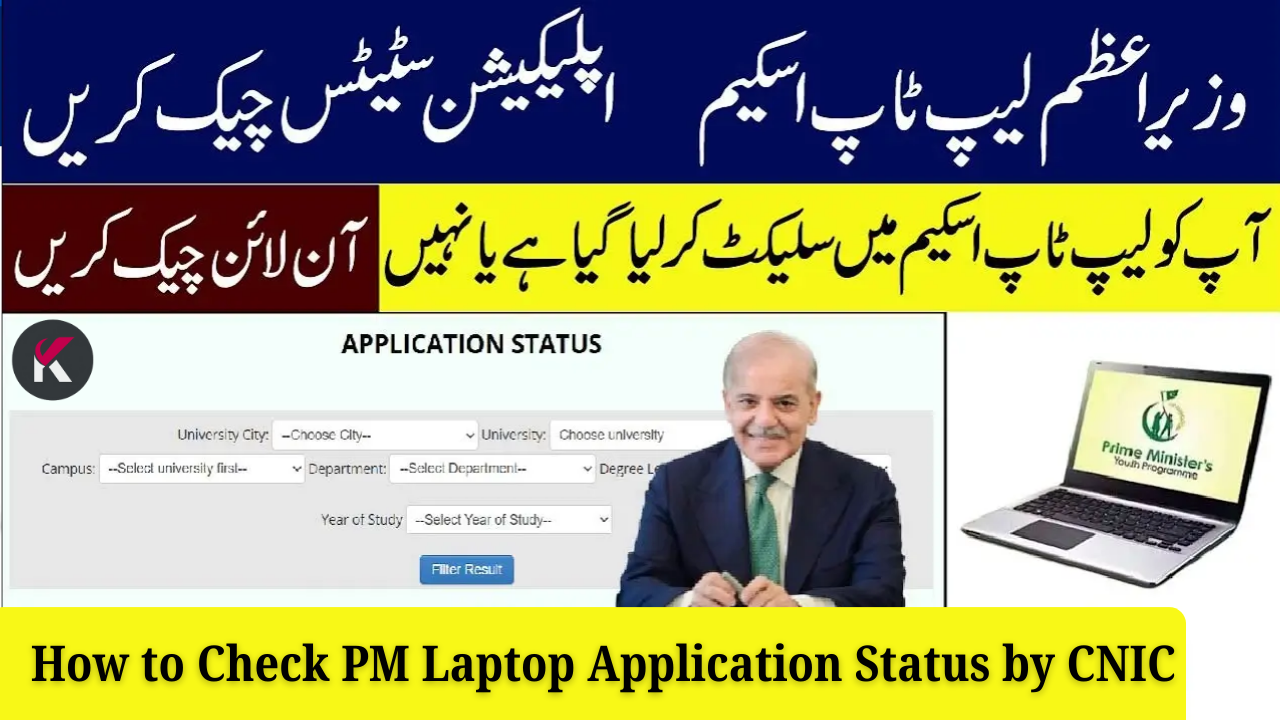
The Prime Minister’s Laptop Scheme is one of Pakistan’s most impactful educational initiatives, helping thousands of students access modern technology. After applying, the most important step is confirming whether your application has been verified and approved.
This guide explains exactly how to check your PM Laptop Application Status by CNIC, the meaning of each status message, and what to do next.
Why Checking PM Laptop Status by CNIC Is Important
Many students wait for updates without realizing their applications might be incomplete or pending. By checking your application status, you can quickly find out:
-
If your application has been successfully submitted
-
Whether your university verified your academic records
-
If your CNIC or student ID matches the official database
-
Whether your name is shortlisted for a laptop
-
Any errors that need correction
Regularly checking your status helps you avoid missing out due to small mistakes.
How to Check PM Laptop Application Status by CNIC
Here is the step-by-step method to check your status quickly and accurately.
Step 1: Keep Your CNIC Ready
Have your 13-digit CNIC number with you. Enter it without spaces or dashes.
Step 2: Visit the Official PM Laptop Portal
Open the official government verification page for the PM Laptop Scheme.
(Students should always use official links shared by HEC or the scheme’s portal.)
Step 3: Enter Your CNIC Correctly
Type your CNIC carefully and double-check all digits. A single incorrect number can show the wrong result.
Step 4: View Your Application Status
Once you submit your CNIC, the system will display one of the following:
-
Under Review
-
Verified by University
-
Approved for Laptop
-
Rejected (with or without reason)
This shows exactly where your application stands.
Step 5: Save Your Status for Follow-Up
If your application is pending or under verification, contact your university’s focal person.
For approved applications, wait for the official merit list and distribution schedule.
Common PM Laptop Application Status Messages
| Status | Meaning | What You Should Do |
|---|---|---|
| Under Review | Application received but not checked yet | Wait & check again later |
| Verified by University | Academic details confirmed | Wait for merit list |
| Approved for Laptop | You are selected | Prepare required documents |
| Rejected | Issue with data or eligibility | Contact your department |
Benefits of Checking Status Through CNIC
Students benefit greatly by verifying their application early:
-
Confirms successful application submission
-
Allows correction of errors before deadlines
-
Helps track merit list updates
-
Prevents scams and fake messages
-
Keeps you fully prepared for laptop distribution

Documents Needed to Verify Your Application
Keep the following documents ready at all times:
-
Original CNIC or B-Form
-
Valid student ID card
-
Enrollment proof (admission letter or certificate)
-
Latest transcript or mark sheet
-
Recent passport-size photo
These may be needed if your university requests further verification.
Common Problems Students Face (and How to Fix Them)
| Problem | Reason | Solution |
|---|---|---|
| Invalid CNIC Error | Wrong digits | Enter correct 13-digit CNIC |
| Data Not Found | University has not uploaded record | Wait a few days and check again |
| Long “Under Review” Delay | Verification pending at institute | Contact focal person |
| Rejected Without Reason | Missing details or mismatched data | Reconfirm with university |
Useful Tips for Students Checking Their Laptop Status
-
Always use your own CNIC
-
Double-check your email and phone number during registration
-
Keep your CNIC active and updated
-
Regularly monitor the official portal for updates
-
Never share your CNIC or login details with strangers
-
Save screenshots of your status for record
Why This Laptop Scheme Is So Important for Students
The PM Laptop Scheme helps students:
-
Attend online classes
-
Learn digital skills and freelancing
-
Complete assignments and research work
-
Apply for online courses, internships, and jobs
-
Become part of Pakistan’s digital transformation
For many students, this laptop becomes their most important academic tool.
Conclusion
Checking your PM Laptop Application Status by CNIC is quick, simple, and essential for staying informed. It helps you confirm your eligibility, correct errors, and ensure you don’t miss your chance to receive a free laptop under the government scheme.
If you haven’t checked your status yet — do it today to stay updated and avoid missing important deadlines.